hobby-ish gamedev. This website contains my raw notes and documents my progress.
Visual Timer
When doing pixelgames, these are the recommended settings. Click reimport afterwards.
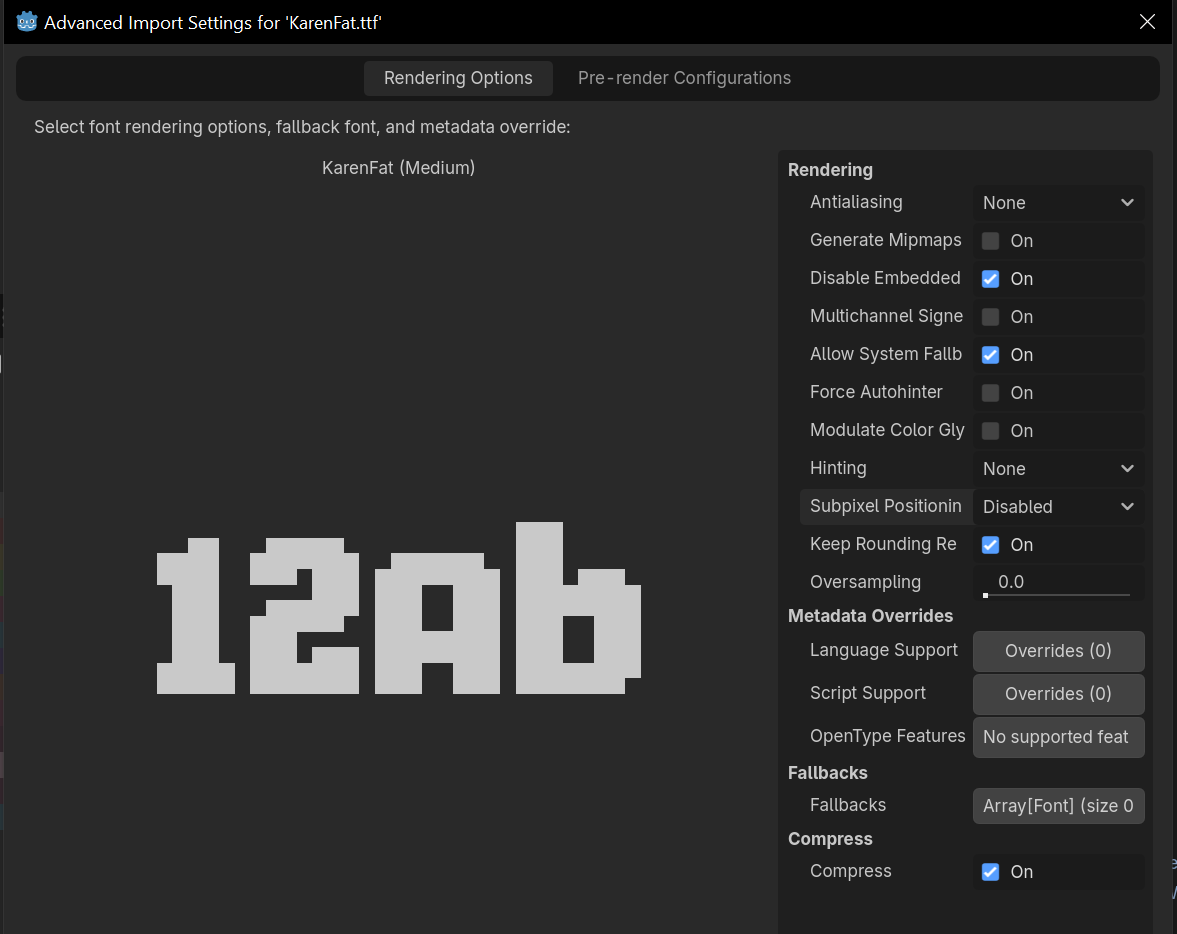
Create new resource, select theme
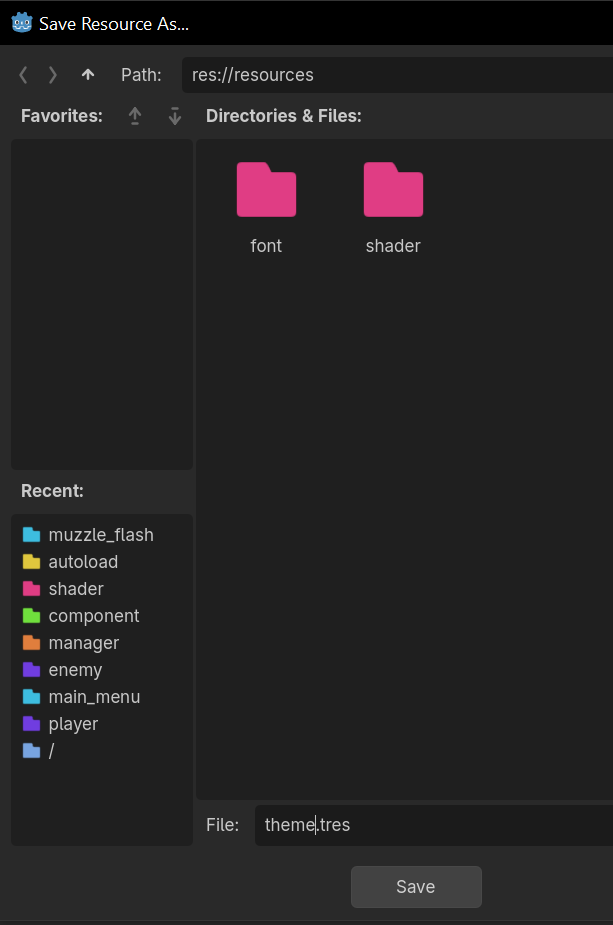
Drag the font to the Default font field
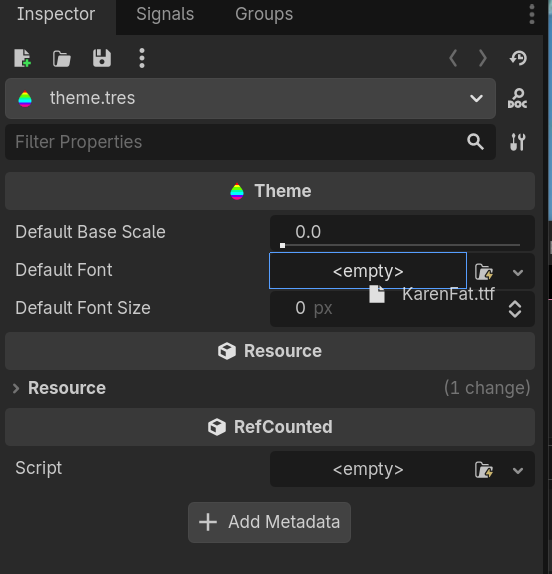
You should see a change in the visual preview. Before:
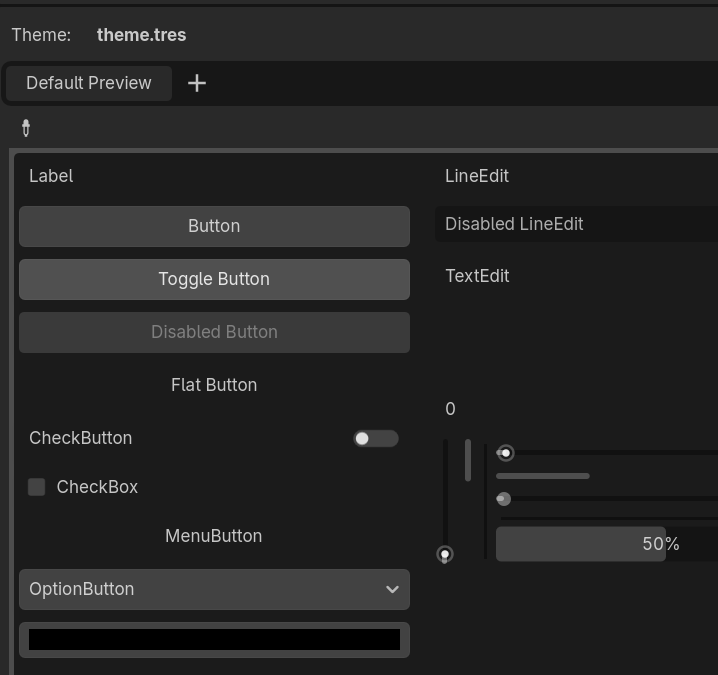 After:
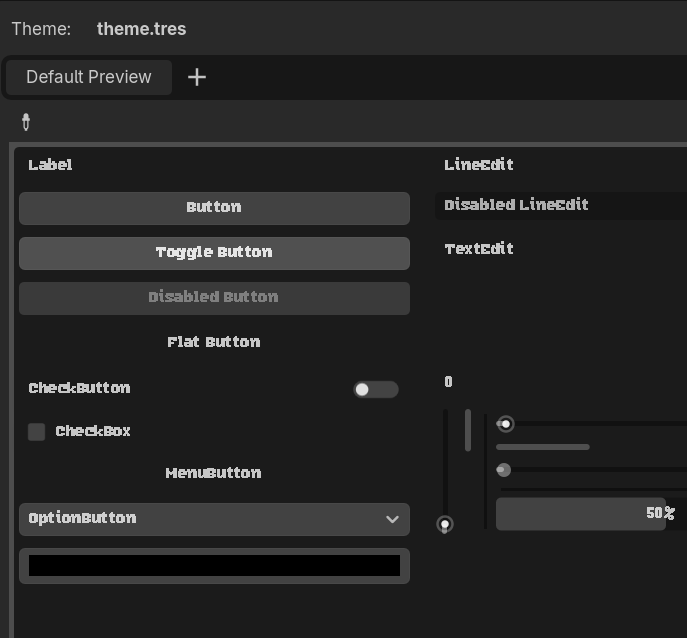
Also change the font to 16 pixels because this is a pixel font.
Create a Canvas layer, so that it behaves independet from the camera perspective.
- fixed UI when the camera shakes
- fixed UI when the camera moves
Set a global default theme by choosing the resource file we created earlier. Select it in the Project Settings:
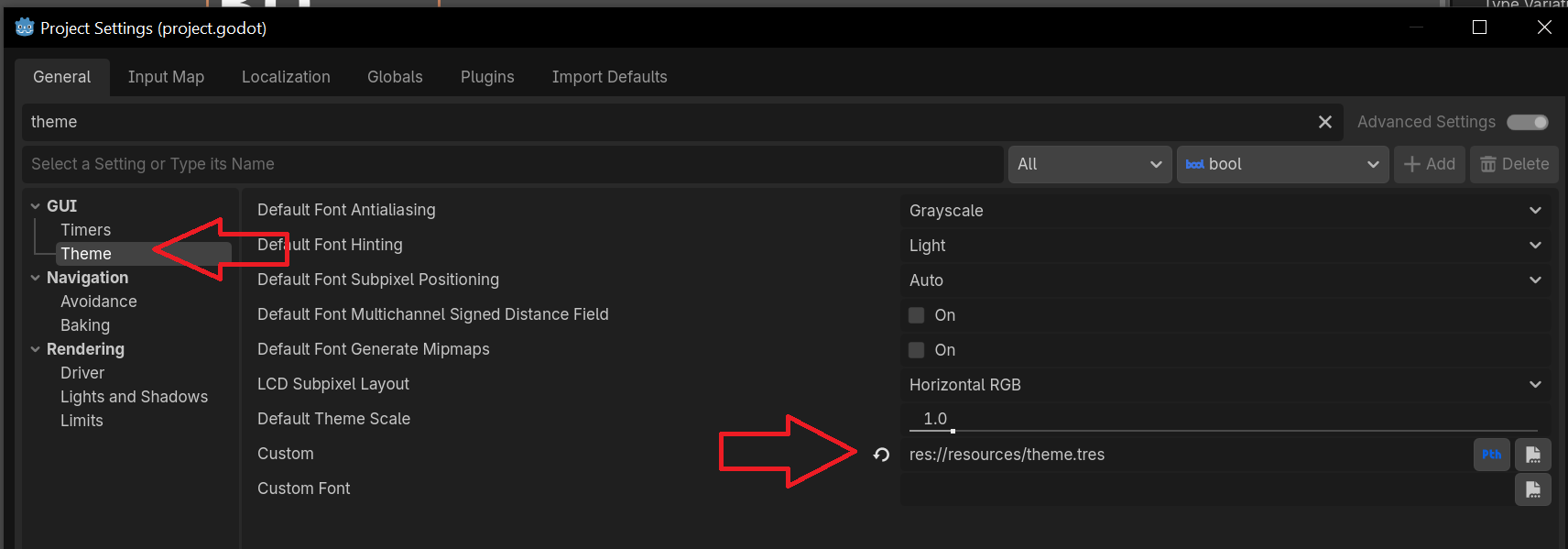
Restart the editor. It then should look like this.
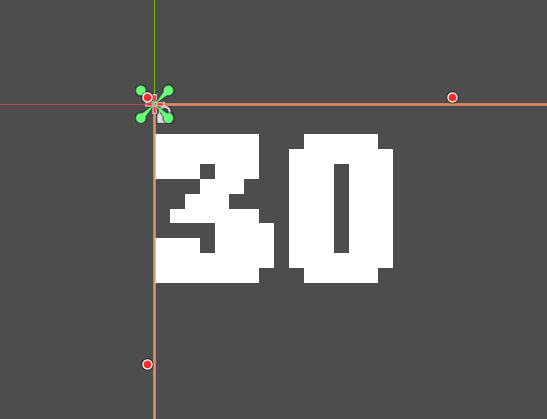
Add a margin container. It automatically arranges its child controls in a certain way.
During the lecture, the cross scene communication for the round timer label and the round number label was different. For the timer, he used a custom class and returned the value of a function and called it. For the round, he created a signal and emitted it when the round began. In the ready function of the game_ui scene, the label then connected to the signal emitted by the enemy_manager.
So why choose two different kinds of cross scene communication?
Frequency is the main decision-maker. As the time is constantly changing, a constant polling of the time via a direct reference (custom class) is the preferred way. For discrete events, that do not happen that often, a signal is the better way. Also, as only the UI needs to know the current time, and the current round may be important for not only the label but other mechanics of the game, a signal is the preferred apporach. Imagine an audio cue when the round starts, or visual effects that show the beginning of a new round.
Another thing, we connect to the signal in the ready function of the game-ui. One might think that this is unintuitive because when using a print function inside of the ready function it only runs once, aka one could think the ready function only runs one time at all. Yes it is called once, BUT we create the signal connectioon which then stays active until the node is freed. So when another round starts, the callback function which was created previously during the connection buildup then runs and updates the label. This happens every time the signal emits. Important: For this to work, the ready function has to run once. It can not be “activated” only with the signal itself.
Credits and Resources
Credit: Firebelley Games (Coop Tutorial, check it out!)